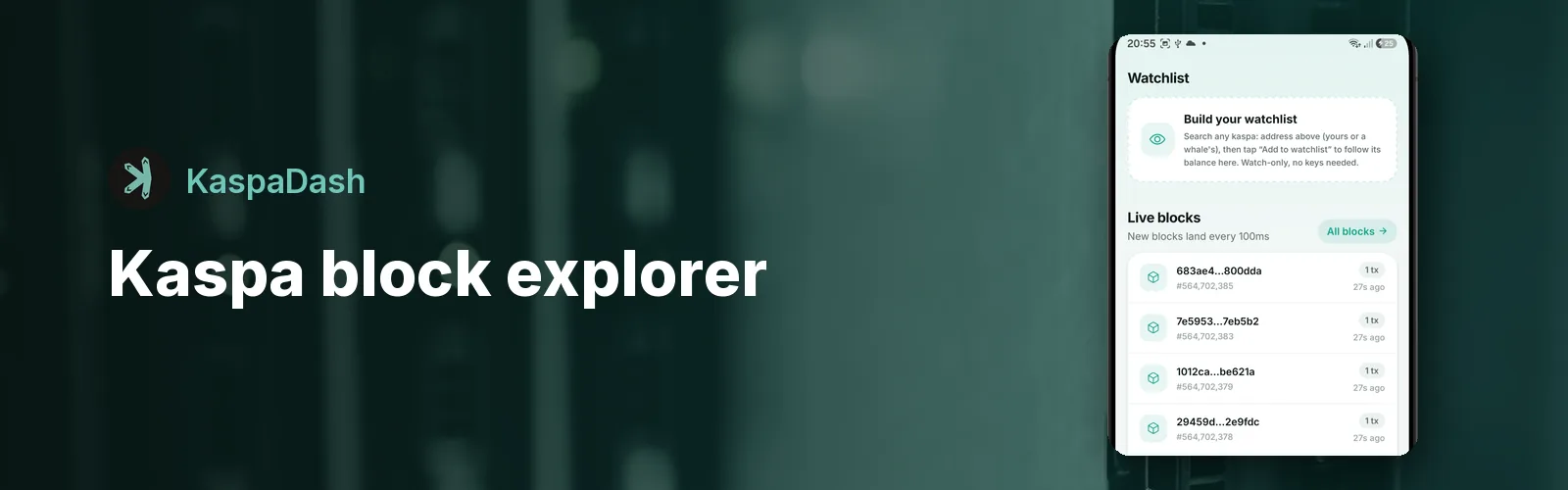
Kaspa produces 10 blocks every second, which makes a Kaspa block explorer one of the most hypnotic things in crypto to watch. It's also the tool you need when you want to confirm a payment arrived, check a transaction fee or see what's in an address.
What you can look up
- Blocks: the block hash, blue score, DAA score, timestamp and every transaction inside it.
- Transactions: senders, recipients, amounts and fees, by transaction ID.
- Addresses: any
kaspa:address, with its balance, value, whale tier, recent activity and KRC-20 token holdings.
Using the explorer in KaspaDash
- Open KaspaDash. The home screen shows new blocks landing live, with a block-height counter ticking up in real time.
- Tap any block to open it and see its transactions.
- Paste a block hash, transaction ID or
kaspa:address into the search bar at the top of the home screen. - From an address, tap Add to watchlist to keep following it. See the wallet tracker guide.

KaspaDash: free Kaspa dashboard for Android
Live KAS price and charts, a real-time block explorer, a wallet watchlist, the whale tracker, supply and reward countdown, and every KRC-20 token. No account and no wallet connection needed.
Download Free on Google PlayWhy Kaspa explorers look different
Most blockchains are a single chain: one block after another. Kaspa is a BlockDAG, so blocks can be created in parallel and each one points to several earlier blocks. The GHOSTDAG protocol then puts them all in a consistent order. That's why you'll see terms like blue score (roughly, how many blocks in the main ordered history came before this one) and DAA score (the counter used for difficulty adjustment) instead of a simple block number. The app's built-in glossary explains each term in plain English.
Is it safe to look up an address?
Yes. Explorer lookups only read public blockchain data. KaspaDash never asks for a private key or seed phrase and can't move funds. Your lookups go straight to the public Kaspa API, and the developer doesn't receive or store them.